
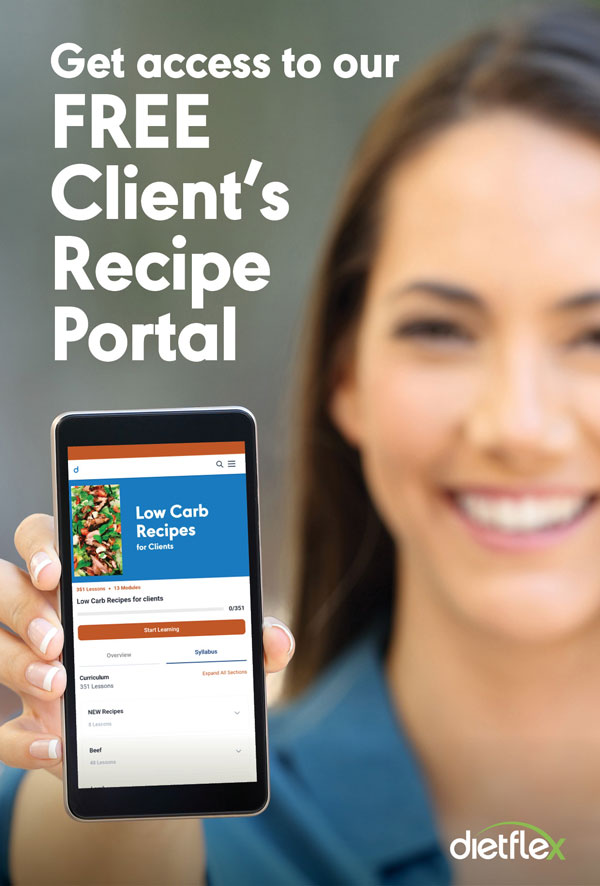
Recipe Portal Instructions
Healthies Online
Before You Begin
To access the Healthies Online Recipe Portal via computer or mobile, your coach must register you in advance. Access is only available to current clients.
Step 1: Check Your Email
- Look for an email from support@dietflex.com.au. The email subject will be Dietflex Recipe Portal.
- If you cannot find it:
- Check your Spam, Junk, or Promotions folder.
- Save the email once found.
- Mark the sender as a trusted or friendly contact to ensure future updates are received.
- If you want to be able to access the recipe portal on a mobile device, please open the email on that device and follow the instructions (Watch video below first).
- If you still have not received the email within 24 hours of the coach telling you about the portal, please contact your coach.
Step 2: Watch the Setup Video
Below are video instructions for installing the Recipe Portal on:
- Apple iOS devices
- Android devices
It is recommended that you watch the relevant video before clicking the setup link in the email.
Step 3: Set Up the Recipe Portal on Your Mobile Device
If you would like to access the Recipe Portal on your phone or tablet:
- Open the email on the mobile device you want to use.
- Follow the setup instructions provided in the email.
- No password is required during setup.
Lost access link or password?
The setup process does NOT require you to establish a password. However, if you get logged out, you will need a password. It's best to re-click the link on the Dietflex Recipe Portal email, if you saved it.
Another way to get access on your mobile device or computer, is to click the Reset Link below.
Then, as you do not have a password, click the "Forgot Password" link, enter the email you gave your coach, and then check your email. Please keep your new password in a secure location.
Need Extra Help or Support?
Please contact your coach for any questions or assistance.
Changing Your Email Address
To update your email address:
- Send your new email address to your coach.
- The coach will arrange the update for you