
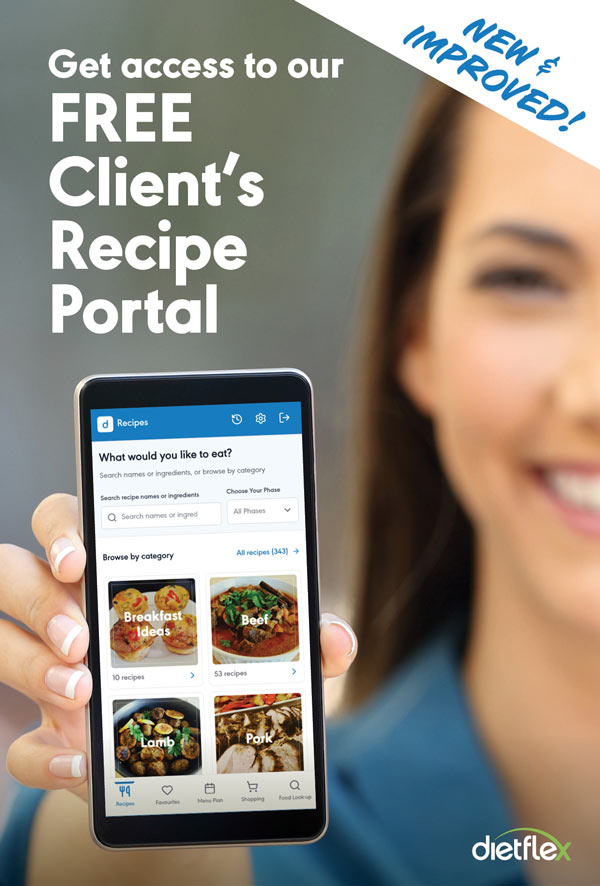
Recipe Portal Instructions
Before You Begin
To access the Recipe Portal via computer or mobile, your coach must register you in advance.
Log in - Direct Method
- On your mobile device go to recipes.dietflex.net
- Enter the email you gave your coach.
- Check your email to get your verification code. (if the email is not in your inbox, check your spam/junk/promotions folder.
- Enter the verification code
Log in - via Email
- Look for an email from support@dietflex.com.au.
- If you cannot find it:
- Check your Spam, Junk, or Promotions folder.
- Save the email once found.
- Mark the sender as a trusted or friendly contact to ensure future updates are received.
- If you want to be able to access the recipe portal on a mobile device, please open the email on that device and follow the instructions. You will not need a password to set it up.
- If you still have not received the email within 24 hours of joining, please contact your coach.
Step 2: Set Up the Recipe Portal on Your Mobile Device
If you would like to access the Recipe Portal on your phone or tablet:
- Open the Welcome Email on the mobile device you want to use.
- Follow the setup instructions provided in the email.
- No password is required during setup.
Step 3: Watch the Setup Videos
Watch the video instructions for installing and using the Recipe Portal. Click the link below or see videos at bottom of this page.
Step 4: If You Deleted the Welcome Email
If you no longer have the Welcome Email:
- Go to the bottom of the Dietflex home page
- Click the link to the Recipe Portal
- Log in using your email
Client Access
Only current Dietflex clients can access the Recipe Portal.
Need Help or Support?
Please contact your Dietflex coach for any questions or assistance.
Changing Your Email Address
To update your email address:
- Send your new email address to your Dietflex coach.
- The coach will arrange the update for you.
Lost access link or password?
The setup process does NOT require you to establish a password. However, if you get logged out, it's best to re-click the link on the welcome email, if you saved it.